

在工程圖中提供此功能
Shortcut: Right-click on an empty area in the drawing and select Drawing properties
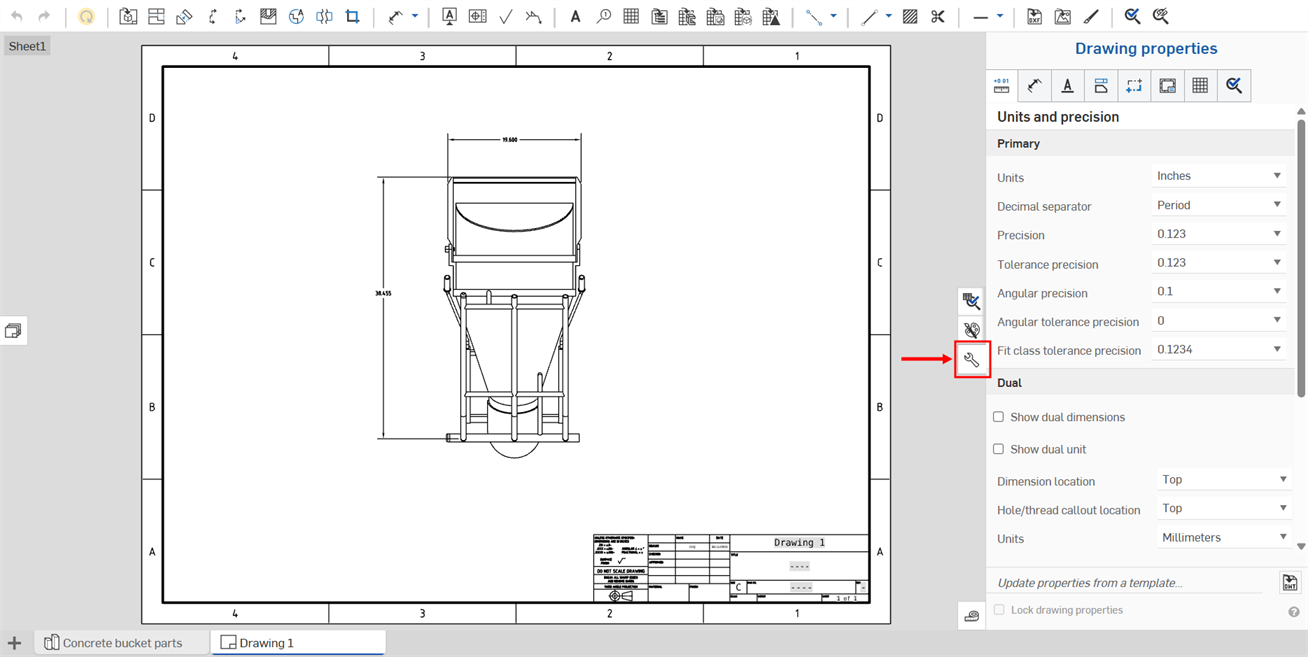
The icon to access the Drawing Properties panel is located on the right side of the drawings area. Click the icon to open the panel, click again to close the panel:
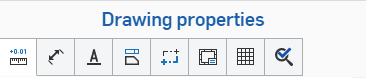
The Properties panel has multiple tabs, each explained in separate topics below.
Use these settings to define the defaults for your drawing. Individual drawing entities may be changed separately, but these settings apply to all entities in a drawing as a default.
Once you have your drawing properties set to your satisfaction, you can save the drawing and its settings as a template. For information on creating a template, see Custom Drawing Templates.
若要編輯工程圖中繼資料,請參考屬性 (中繼資料)。
使用複製格式來將一個尺寸或註記的格式套用至其他的尺寸或註記中。
 更新與鎖定工程圖屬性
在 Onshape 中您可以使用「工程圖屬性」面板底部的功能 (下圖中以紅色輪廓線框出) 來匯入您已建立的工程圖範本以變更工程圖的屬性。您也可以使用 [鎖住工程圖屬性] 核取方塊來避免意外編輯工程圖屬性。
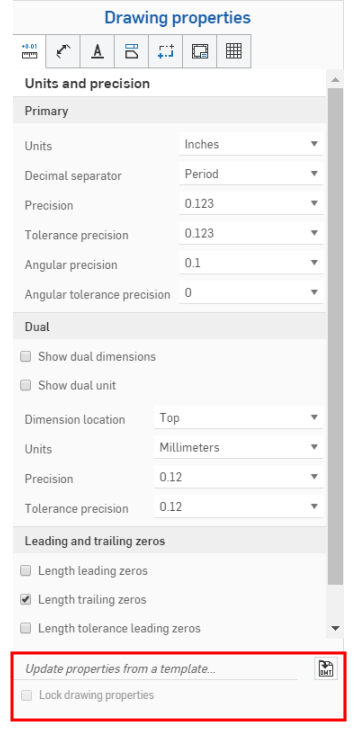
若要使用現有的 Onshape 工程圖範版來更新屬性,請開啟「工程圖屬性」面板。
按一下「更新來自範本的屬性...」右側的「選擇一個 DWT」圖示  來開啟「選擇一個 DWT」對話方塊:
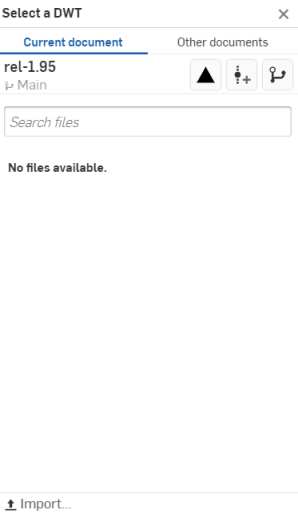
從目前的文件中選擇一個 DWT
- 按一下對話方塊上方的
 。
。 - 於搜尋檔案列中輸入來找出檔案,或從下方的清單中選擇一個項目。
- 若要從您的桌面電腦匯入一個 DWT,按一下對話方塊底部的
 [匯入],接著選擇要匯入的檔案,然後按一下 [開啟]。
使用對話方塊最上方「其他文件」之下的三個圖示,分別說明如下:
 檢視已發行的項目 - 按一下「檢視已發行的項目」圖示來列出所有已發行的項目以供選擇。
 建立版本 - 按一下「建立版本」圖示來開啟「建立版本」對話方塊:
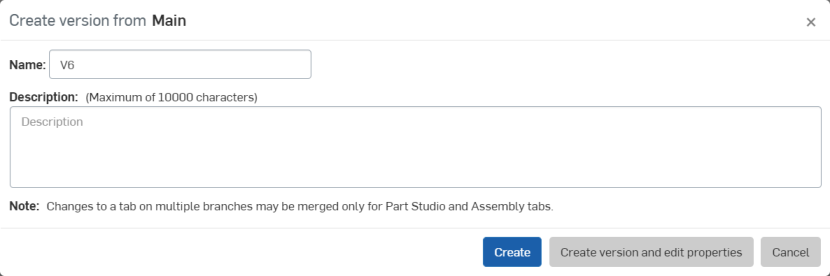
調整您版本的名稱和/或說明,然後按一下 建立 來建立版本,或按一下 建立版本並編輯屬性 來開啟「屬性」對話方塊:
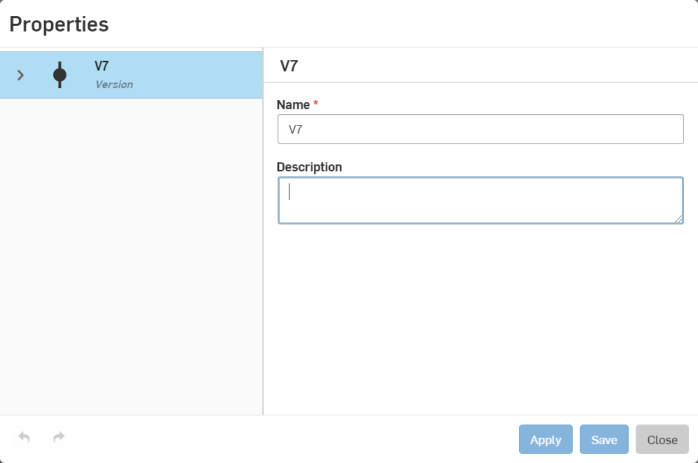
調整您版本的屬性,按一下 套用 來套用變更,或按一下 儲存 來套用變更並關閉「屬性」對話方塊。
按一下 關閉 來關閉「屬性」對話方塊而不套用任何變更。
 版本圖表 - 按一下「版本圖表」圖示來從版本圖表中選擇一個文件不同的版本。
從其他文件中選擇一個 DWT
- 按一下對話方塊上方的
 。
。 - 使用搜尋列,或是點按下方選項之一來從 Onshape 的其他文件選擇一個 DWT。
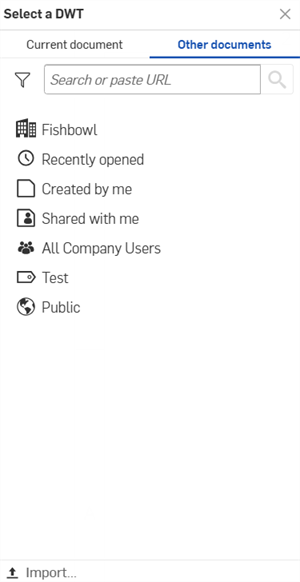
 本人所擁有 - 從您擁有的文件中選擇一個 DWT。
 /
/  /
/  Enterprise/Classroom/Company - 在您的企業/課堂/公司中選擇一個 DWT。
 最近開啟的 - 從您最近開啟的文件中選擇一個 DWT。
 本人所建立 - 從您所建立的文件中選擇一個 DWT。
 與本人共享 - 從與您共享的文件中選擇一個 DWT。
- 若要從您的桌面電腦匯入一個 DWT,按一下對話方塊底部的 [匯入...],接著選擇要匯入的檔案,然後按一下 [開啟]。
在您匯入工程圖範本之後,系統會自動更新屬性。