我的帳戶 - 整合


顯示整合的設定,您可以於其中授予 Onshape 存取您 Dropbox、Google Drive、Microsoft OneDrive、或 Altium 365 帳戶的權限 (分別設定)。
您可以在這個頁面中設定您使用者帳戶的「整合」。關於設定您整個公司/企業的整合,請參考公司/企業設定 - 整合。
若要巡覽您 Onshape 中的「整合」設定來設置對您 Dropbox、Google Drive、Microsoft OneDrive、或 Altium 365 帳戶的存取,按一下您 Onshape 視窗右上角的帳戶使用者圖示 ( )。按一下 [我的帳戶]。
按一下頁面左側清單中的整合。 這將帶您進入 Onshape 雲端來源的設定中。您可以授予 Onshape 存取您 Dropbox、Google Drive、Microsoft OneDrive、或 Altium 365 帳戶的權限 (個別設定),也可以按一下頁面右側的紅色 移除 按鈕來移除存取權限。
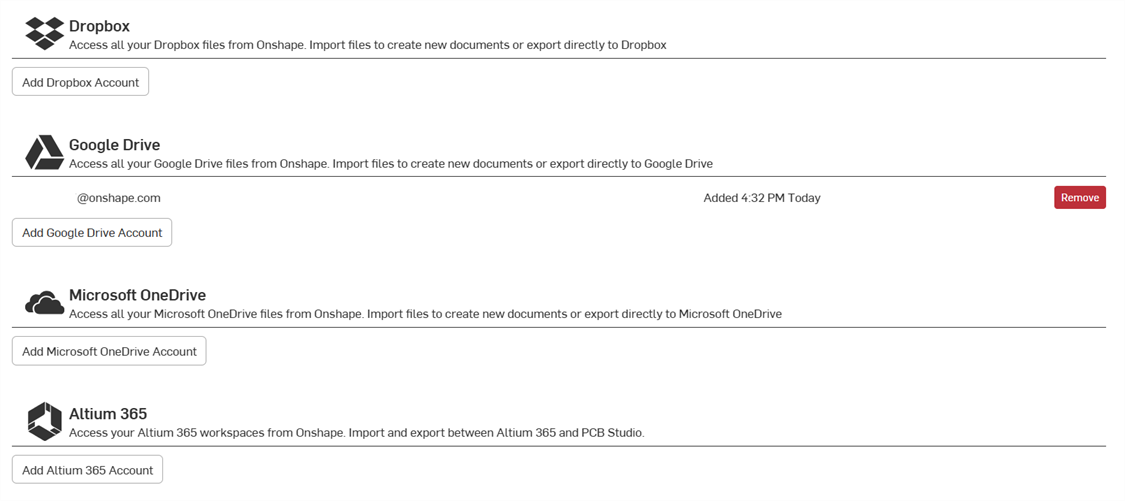
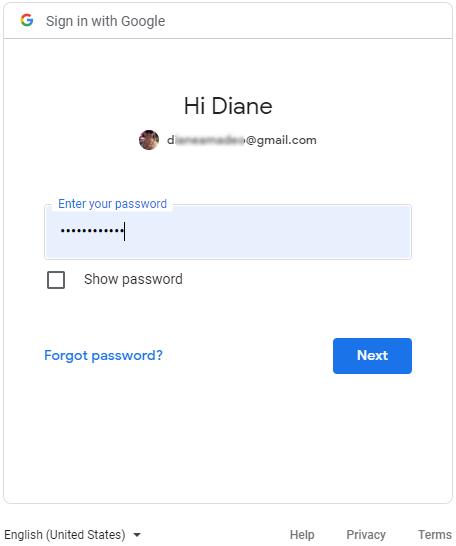
若要授予 Onshape 可從 Dropbox、Google Drive、Microsoft OneDrive、或 Altium 365 帳戶匯入文件 (與匯出文件至這些帳戶) 的權限,按一下適當的加入按鈕,然後依照步驟操作。您需要提供帳戶憑證才能完成精靈中的操作。例如: