 Bezier

可用于:草图
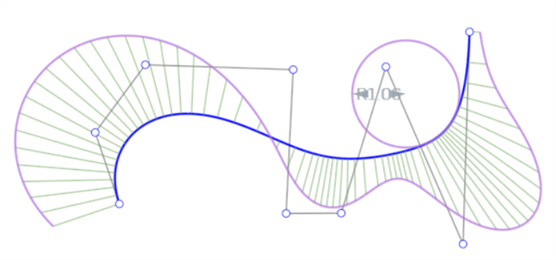
使用贝塞尔曲线的控制多边形上的点绘制一条多点贝塞尔曲线。贝塞尔曲线会跟随其控制多边形的路径。
 步骤
步骤
- 单击
 。
。 - 单击一下以开始,再单击一下以设定点,双击以结束。
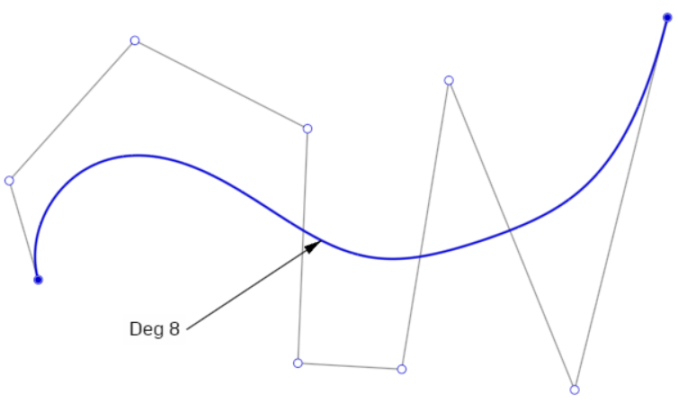
贝塞尔曲线(蓝色)、控制多边形(黑色)和控制点(白色圆圈)的示例。
调整 Bezier 曲线
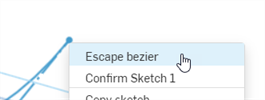
- 确保在“草图”工具栏上取消选中“Bezier 曲线”草图工具。
- 沿贝塞尔曲线的控制多边形单击并拖动任意控制点(白色点),对该曲线进行调整。
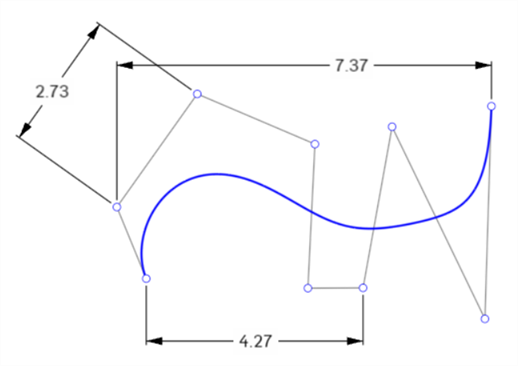
可以将贝塞尔控制点与尺寸结合使用:
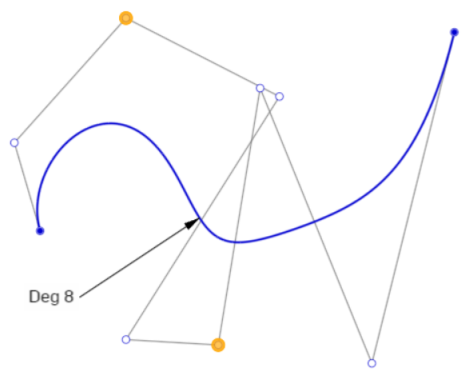
可以将贝塞尔控制点与约束结合使用。例如,下图中的两个亮显为橙色的点应用了竖直约束:
修剪和分割贝塞尔曲线
修剪贝塞尔曲线会导致被修剪的部分被移除,曲线的其余部分保留原始的阶数和控制点数:
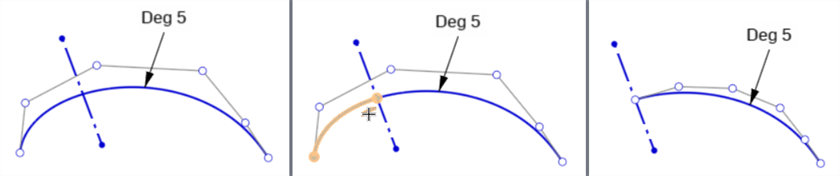
原始曲线(左)、在构造线处修剪(中)、修剪结果(右)
分割贝塞尔曲线会在分割点的两侧将原始曲线分成两条新曲线。每条曲线具有相同阶数和控制点数量。原始曲线的形状和长度保持不变。

原始曲线(左)、分割曲线(中)、分割结果(右)
两条新曲线彼此重合。移动一条曲线也会移动另一条曲线。但是,每条曲线的控制点彼此独立。
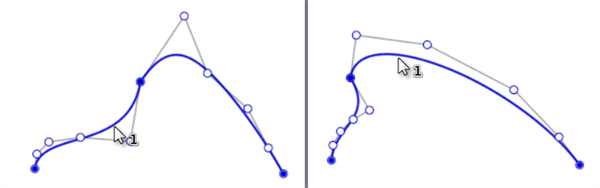
移动任意一条曲线都会同时移动两条曲线,因为它们在分割点处重合。
请参见学习中心课程“草图简介”(需要 Onshape 帐户)了解更多信息。