样条
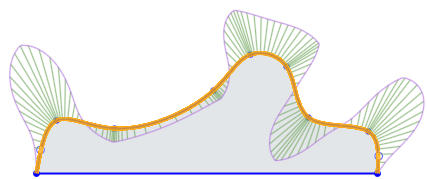
用沿曲线长的点绘制多点曲线的草图。
Sketch a multiple point curve with points along its length.
Steps
- Tap
to set the first point of the spline. - To set the next point of the spline, either tap
again or touch and drag to release.
To begin sketching a new spline you can either:
- Double tap to end the first spline, then tap to set the first point of a new spline.
OR
- Tap the spline tool to deselect it, then tap the spline tool to select it again and begin a new line.
Once you finish sketching a spline, with the sketch open, you can touch and drag any point along the spline to reposition it.
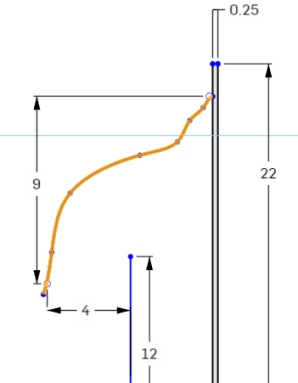
您可以使用带尺寸的样条柄(或任何样条点):
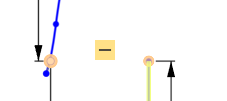
您可以使用具有约束的样条曲线控制柄(或任何样条曲线点):
Sketch a multiple point curve with points along its length.
Steps
- Tap
to set the first point of the spline. - To set the next point of the spline, either tap
again or touch and drag to release.
To begin sketching a new spline you can either:
- Double tap to end the first spline, then tap to set the first point of a new spline.
OR
- Tap the spline tool to deselect it, then tap the spline tool to select it again and begin a new line.
Once you finish sketching a spline, with the sketch open, you can touch and drag any point along the spline to reposition it.
您可以使用带尺寸的样条柄(或任何样条点):
您可以使用具有约束的样条曲线控制柄(或任何样条曲线点):