 Spline


Available in: Sketch
Sketch a multiple point curve with points along its length.
 Steps
Steps
-
Click
 .
.
- Click to start, click to establish points, double-click to end.
- Click and drag any point along the spline to make adjustments.
- Use the tangent handles (the white points) to modify the tangency of the spline curve. Tangent handles can not be deleted.
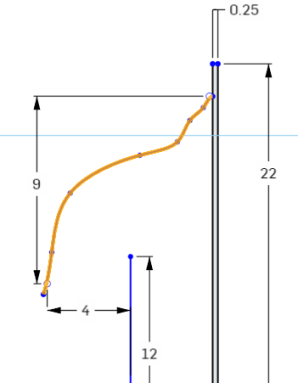
You can use the spline handles (or any spline points) with dimensions:
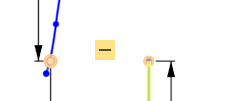
You can use spline handles (or any spline points) with constraints:
Notes
- Splines may be closed by connecting the trailing point to the first point only.
- Spline tangent handles (the white points) may be moved along the spline or pulled “away” from the spline to adjust the tangency of the curve.
- You can add more spline points with the Spline point tool.
- Visualize the curvature in more detail with the
Curvature color map
context menu command:
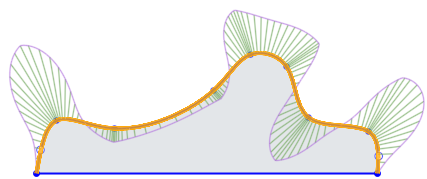
-
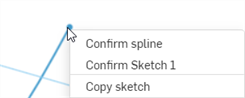
Use the right-click context menu > Confirm spline to finish creating the spline at the point prior to the current cursor location/point (one point behind):
See the Learning center course Introduction to Sketching (Onshape account required) for more information.