Render Studios

Only available for.
Available in: Render Studio
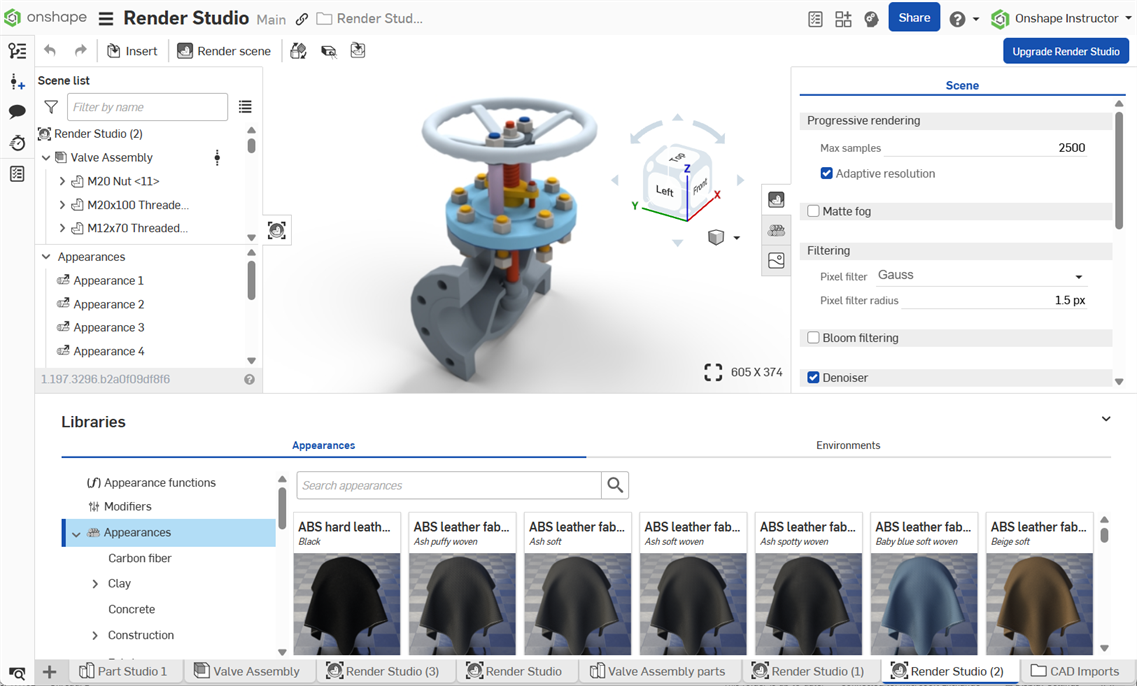
This Onshape Render Studio application allows the creation of photorealistic scenes from imported Part Studios or Assemblies. Use scenes to test model appearances and materials, lighting and camera setups, and environments. Export scenes as .jpg- or .png-formatted images to market rendered designs.
Once imported via the Document tab menu, a Render Studio tab is created where parts, Part Studios, and Assemblies are inserted into a Render Studio scene. Create as many Render Studio tabs as needed. Each tab contains a single scene. Scenes can be updated since they are linked to their part, Part Studio, or Assembly. Updates in the model or assembly can be updated in the scene.
 Render Studio beta tabs (legacy)
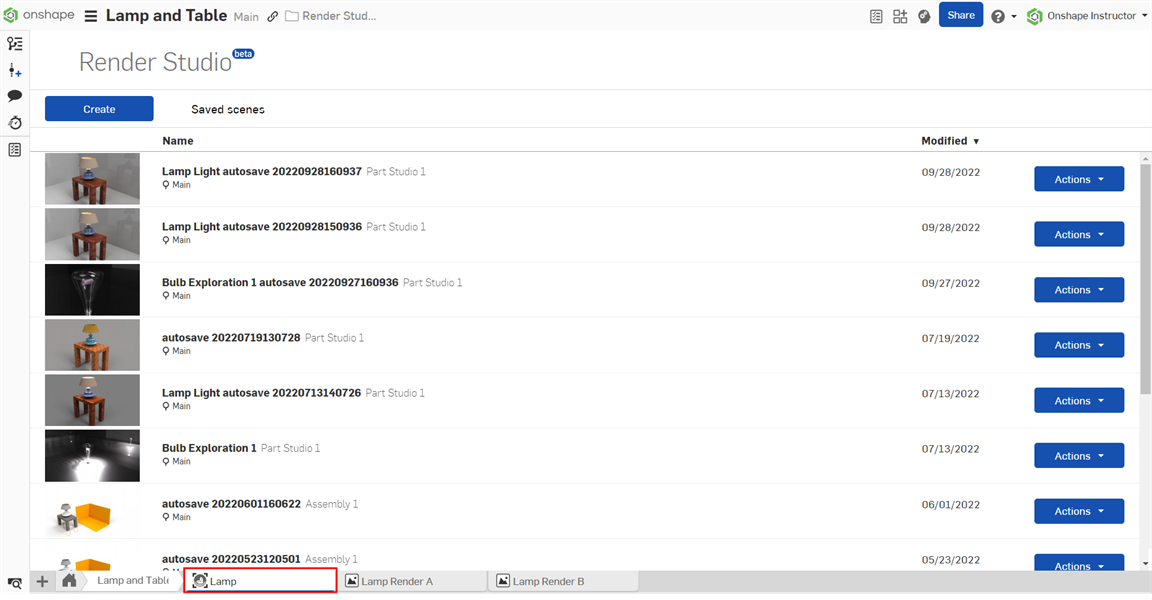
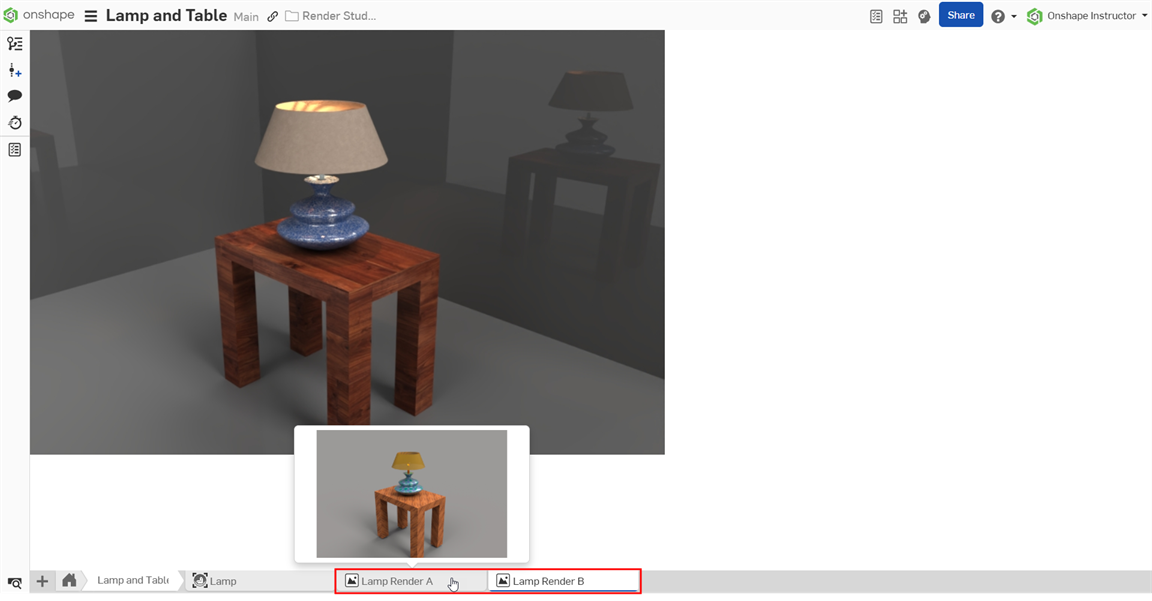
Render Studio beta tabs created prior to the official Render Studio release in 1.181 were deleted on February 28, 2025. Only rendered output created from those tabs remain.
-
Any Render Studio beta tabs are now deleted and unrecoverable:
-
Any rendered images created from those Render Studio beta tabs were not deleted and remain in their own tabs:
Keyboard shortcuts
In addition to the keyboard shortcuts in the table below, Onshape offers several shortcuts to navigate the model in the graphics area. See View navigation.
| Shortcut | Action |
| esc | Cancel |
| space | Clear selection |
| delete | Delete selection |
| ctrl+c, cmd+c | Copy Appearance |
| ctrl+u, cmd+u | Contact support |
| ctrl+v, cmd+v | Paste Appearance |
| ctrl+z, cmd+z | Undo change |
| ctrl+y, ctrl+cmd+z | Redo change |
| alt+t | Open tab manager |
| y | Hide selected parts |
| shift+i | Isolate |
| shift+y | Show selected parts |
| shift+1 | Front view |
| shift+5 | Top view |
| shift+3 | Left view |
| shift+4 | Right view |
| shift+5 | Top view |
| shift+6 | Bottom view |
| shift+7 | Isometric view |
| shift+n | Rename selection |
| shift+v | Named view |
| shift+x | Section view |
| shift+z | Zoom in |
| z | Zoom out |
| f | Zoom to fit |
| w | Zoom to window |
| ` | Select other |
Render Studio context menu
Right-click on a Render Studio tab to access the context menu:
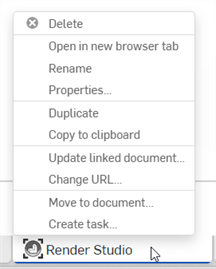
- Delete - Delete the Render Studio (or any tab), even if it is active. The last remaining tab cannot be deleted.
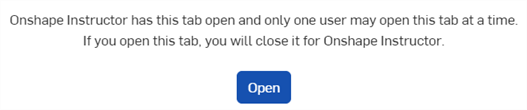
- Open in new browser tab - Opens the current Render Studio tab in a new browser tab. A notice opens explaining that only one user can open the Render Studio tab at a time. Click Open to proceed:
- Rename - Access the dialog to rename this Render Studio.
- Properties - Access the dialog to provide information about the Render Studio. In the Properties dialog, provide metadata for the entire Render Studio. Grayed out (inactive) properties are defined and populated through the Company’s properties in Account management. See Company/Enterprise settings > Properties/Custom properties for more information.
- Duplicate - Duplicates the Render Studio tab in the current document.
- Copy to clipboard - Copies the Render Studio tab to the clipboard. It can then be pasted into a new or other document.
- Update linked document - Opens the Reference manager dialog where you can select a newer version of the document to which the Render Studio is linked.
- Move to document - Move the current tab to a new document or another document. See Moving tabs to other documents.
- Create task - Opens the Create task dialog where you can assign a task to someone in your Company/Enterprise. See Action items for more information.
Downgrading to a Free or Standard plan
When downgrading from a Pro or Enterprise plan to a Free or Standard plan, Render Studio tabs are not deleted, but are inaccessible.