Available in: Part Studio, Assembly, Variable Studio
The Input propagation dialog enables you to see which references in the current tab share configuration parameters with the configuration parameters of the tab itself, and enables you to configure those references in bulk.
 Steps
Steps
The Input propagation dialog can only be accessed when there are adequate inputs or references in the current tab. A simple way to add references is to use the Copy input context menu option. See Copying and pasting for more details.
To access the Input propagation dialog:
-
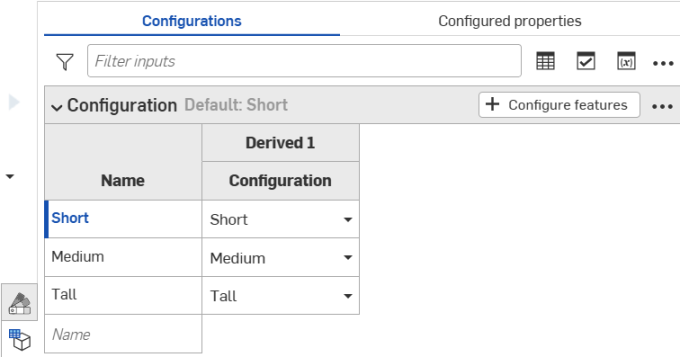
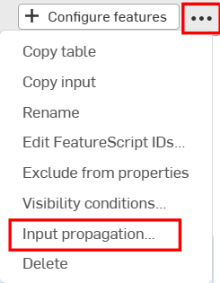
In the Configurations panel, click the three dot menu button, then click Input propagation:
-
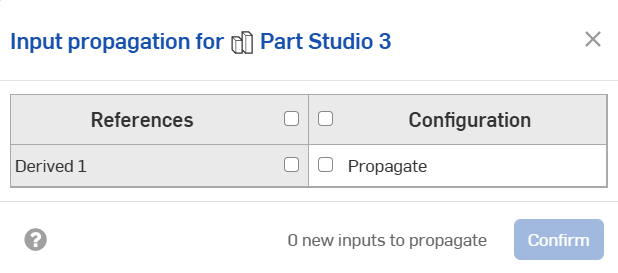
This opens the Input propagation dialog:
-
Check the box next to the input (or inputs) you wish to propagate.
-
Click Confirm to close the dialog. The new propagation appears next to the reference in the Configurations panel: