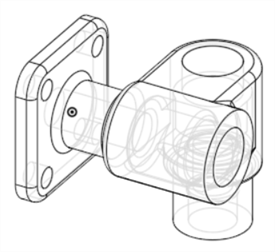
Hidden Edges Visible and Removed
可用于:Part Studio、装配体
Adjusts the visibility of all part edges that are obscured by other parts in the graphics area.
See Shaded, unshaded, and translucent for additional visualization options.
See Isolate and Make transparent to adjust visibility on a per-part/instance basis.
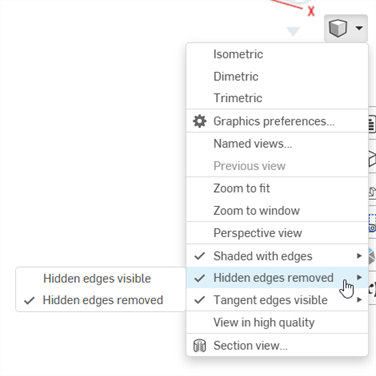
Select Camera and render options, then select from the following options:
-
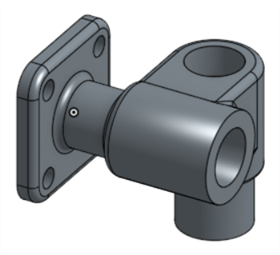
Hidden edges removed (Shaded with edges; default):
-
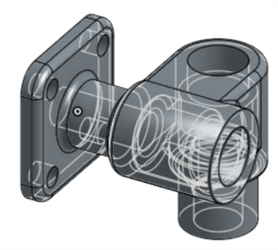
Hidden edges visible (Shaded with edges):
-
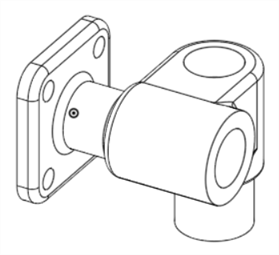
Hidden edges removed (Unshaded):
-
Hidden edges visible (Unshaded):