利用可能: Part Studio、アセンブリ
グラフィック領域のすべてのパーツとそのエッジの透明度/不透明度を調整します。
その他の視覚化オプションについては、陰線表示と削除を参照してください。
パーツ/インスタンスごとの可視性の調整については、分離と透明にするを参照してください。
 シェード、シェードなし、半透明
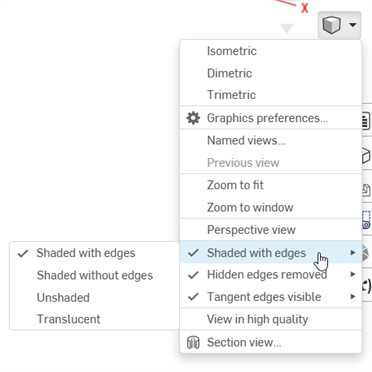
[カメラとレンダリングのオプション] を選択し、次のオプションから選択します。
-
エッジ付きシェード (既定):
-
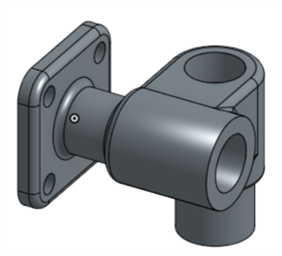
エッジのないシェード:
-
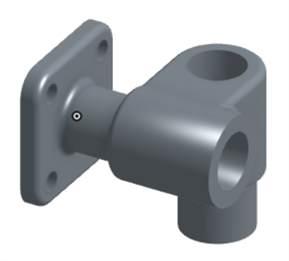
シェードなし:
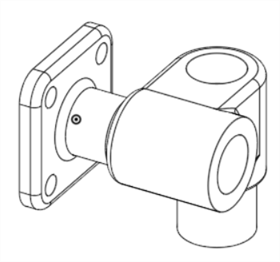
-
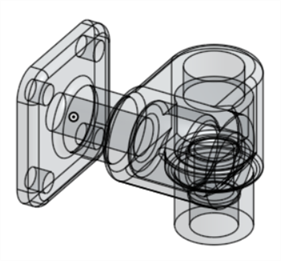
半透明。このオプションを選択すると、[陰線表示] や [陰線消去] を選択できなくなります。