外観セット (Render Studio Advanced)

のみ利用可能
利用可能: Render Studio
外観セットは、エンティティ (Part Studio、アセンブリ、パーツ、面) に割り当てられる外観修飾子です。割り当てたら、外観パネルのセットに複数の外観を追加できます。セット内の外観を切り替えると、外観のバリエーションをすばやく簡単に試すことができます。
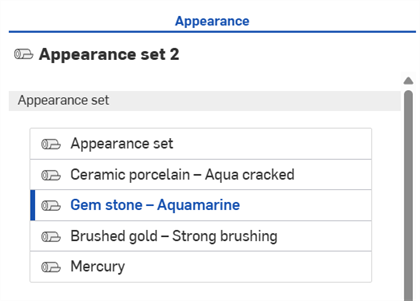
外観パネルで複数の外観を設定した外観
 手順
手順
外観セットを作成するには、次の操作を行います。
-
モデル (Part Studio またはアセンブリ) を作成して Render Studio シーンに挿入します。
-
外観ライブラリで外観セットを見つけて Part Studio、アセンブリ、パーツ、または面に割り当てます。
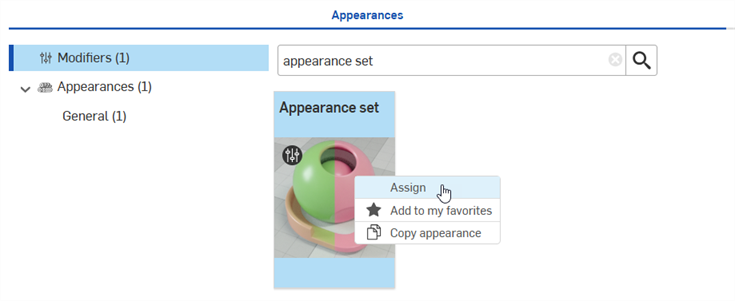
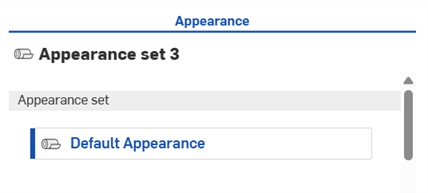
外観セットは外観パネルの上部に追加され、そのセットに既定の外観が表示されます。
-
外観ライブラリから必要な数の外観をこの外観セットにドラッグアンドドロップします (既定の外観ラベルの上にドロップ)。
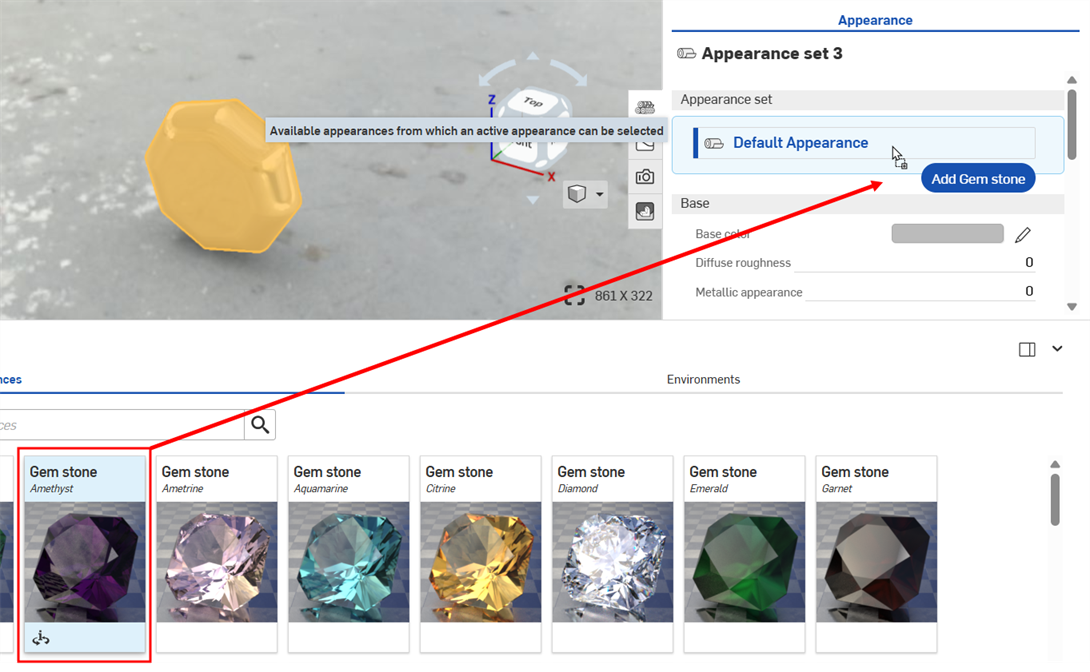
-
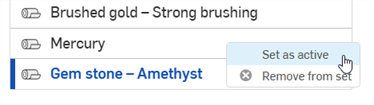
リストでは一度に 1 つの外観だけをアクティブにできます。これは、エントリの左側に青い線が付いた濃い青色の外観ラベルで示されます。セット内の別の外観をアクティブに設定するには、それをクリックするか、右クリックしてコンテキストメニューから [アクティブとして設定] を選択します。
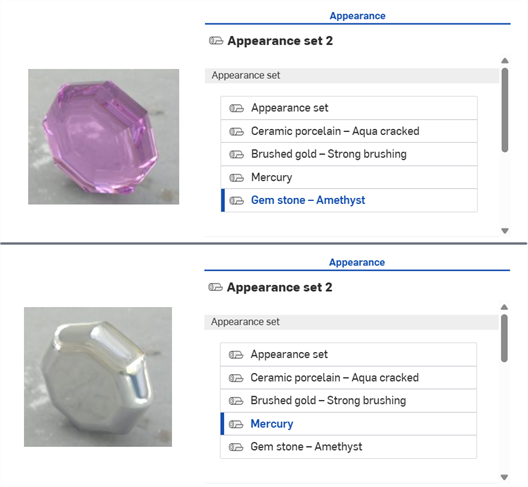
外観セットで「ジェムストーン - アメジスト」と「マーキュリー」の外観を切り替える例。
-
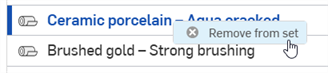
外観セットから外観を削除するには、外観を右クリックして [セットから削除] を選択します。アクティブの外観を削除した場合は、その下の次の外観がエンティティに割り当てられます。削除された外観がアクティブで、リストの最後の外観であれば、上の次の外観がエンティティに割り当てられます。
外観セット (既定の外観) がリストに残る最後の 1 つである場合は、削除できません。