Perspective View


Available in: Part Studio, Assembly
Perspective view shows the relative distance from the point of view to the model, and creates a vanishing point as the point of view (or imaginary camera) approaches the model. The images below show a front view of the same part without perspective view and with perspective view, respectively.
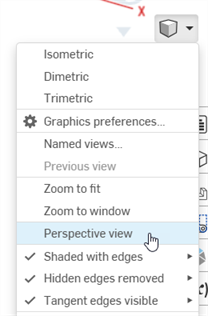
Select Camera and render options, then enable Perspective view:
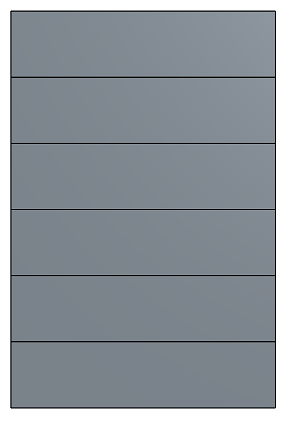
Perspective view disabled
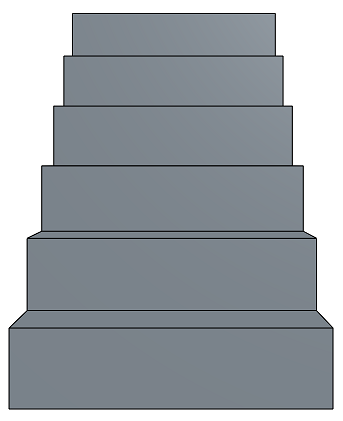
Perspective view enabled
When working in a PCB Studio, toggle between Perspective view and Orthographic view on the Camera and render options menu.