 Trim
Trim


Available in: Sketch
Trim a curve to the first intersecting point or bounding geometry. If no intersection or bounding geometry is found, then the entire curve is deleted.
Shortcut: m
 Steps
Steps
-
Click
.
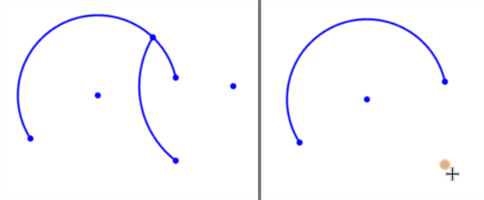
- Click entities to trim away.
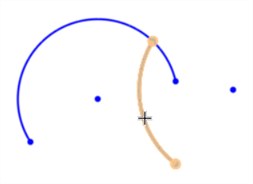
You can also click and drag through multiple entities to trim them:
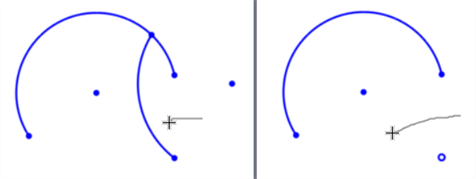
You can also delete any standalone sketch points:
Trimming a Bezier curve
Trimming a Bezier curve results in the trimmed portion being removed, with the remaining section of the curve retaining the original number of degrees and control points:
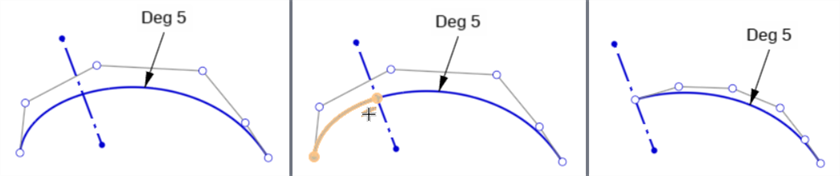
Original curve (left), Trimming at the construction line (middle), result of the trim (right)
See the Learning center course Introduction to Sketching (Onshape account required) for more information.