


Available in: Sketch, Drawing
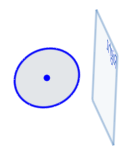
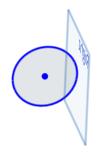
Form a tangent relation between two curves, or between a curve and a plane.
Shortcut: t
Toggle on constraints while you make selections. Each pair of entities selected are constrained to each other. Click to toggle off, or select another tool to toggle off automatically.
 Steps
Steps
- In the graphics area, select two or more curves.
-
Click
 or press the T key.
Examples
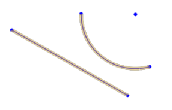
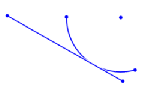
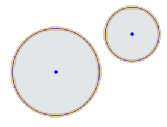
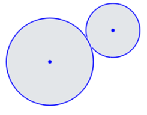
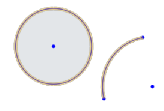
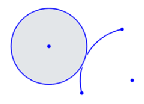
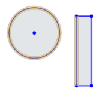
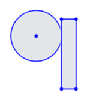
| Select 2 or more curves: | Click the Tangent constraint tool: |
|
|
|
|
|
|
|
|
|
|
|
|
|
|
|
See the Learning center course Introduction to Sketching (Onshape account required) for more information.