 Sketch Mirror


Available in: Sketch
Create the reflection of one or more selected sketch entities about a specified line. Use the Mirror tool in either of two ways: first pre-select the entities to mirror and then the tool, or select the tool and then the entities.
 Steps: Pre-selected entities
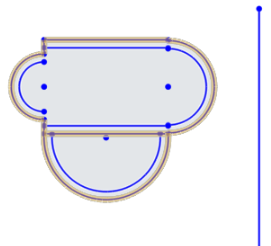
- Select one or more sketch entities.
-
Click
 . (You are prompted to select the mirror line.)
- Select the line across which to mirror: a sketch line, a plane, or a part face or edge.
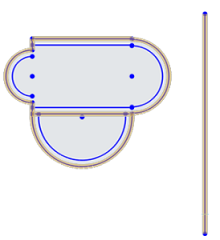
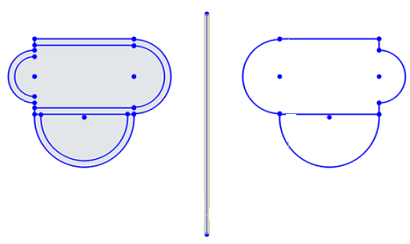
- As soon as you click the mirror line, the sketch resolves:
Steps: No pre-selected entities
-
Click
. (You are prompted to select a mirror line.)
- Select the line. (You are prompted to select entities.)
- As you select entities, they are mirrored. When you are finished, press ESC to exit the Mirror tool.
See the Learning center course Introduction to Sketching (Onshape account required) for more information.