 Extend


Available in: Sketch
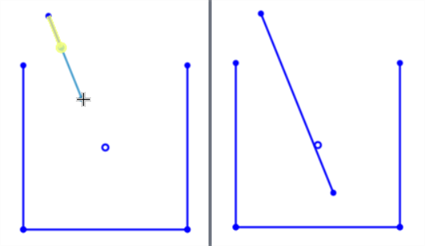
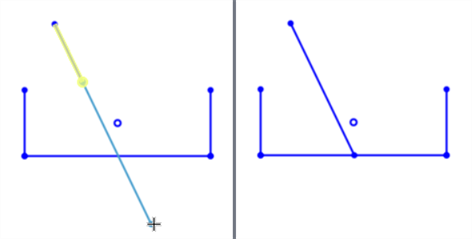
Extend a line or arc to the first intersecting point or bounding geometry. If no intersection or bounding geometry is found, then the line or arc ends at the release point.
Shortcut: x
 Steps
Steps
-
Click
 .
.
- Click the line or arc to extend.
- Click new location for the end, or extend to the bounding geometry location (a point or edge, for example).
Examples
Extend a line with no intersecting geometry
Extend a line with intersecting geometry
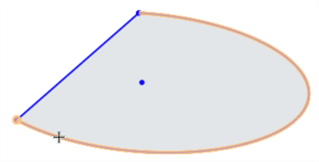
Extend an Arc
-
Click the arc to select it:
-
Click a second location to create a point and end the extension:
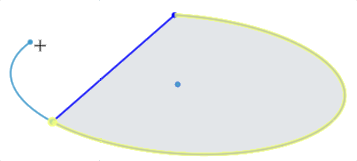
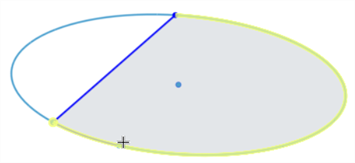
Alternatively, double-click the arc edge, or select and drag the arc edge to auto-complete the arc by extending it to the bounding geometry. In the example below, the ellipse is completed.
See the Learning center course Introduction to Sketching (Onshape account required) for more information.