Viewing Models with Apple Vision Pro

Viewing models with Apple Vision Pro enables you to pair the Onshape iOS device to one or more Apple Vision Pro devices via bluetooth over the same WiFi connection. The Onshape model (part, publication, or assembly) is then cast from the iOS device to the Apple Vision Pro devices using spatial computing.
Pairing devices is set up either from the Onshape Settings screen or from the Onshape Document. While casting can be initiated from anywhere in an Onshape document, only the Part Studio or Assembly tabs can cast the model.
You can view but not edit the model on the Apple Vision Pro.
When paired:
-
If you edit the Onshape document on the iOS device, on the Apple Vision Pro:
-
Feature manipulations and Comments are viewable
-
if CAD Materials is enabled on the Apple Vision Pro, any part/instance that has a material applied displays that material.
-
Sketching, Surfacing, Graphic manipulations, Camera and render options (such as Named views and Exploded views) are not viewable.
-
Switching between Part Studio and Assembly tabs in an Onshape document is synced.
-
Panning and rotation are not synced.
-
In a Part Studio/Assembly, selecting comments highlights the part/instance in the graphics area if it is tagged, but the comment icon does not display on the part/instance.
-
-
If you edit the Onshape document on the Apple Vision Pro, on the iOS device:
-
In the Part Studio/Assembly, comments added and parts/instances tagged with comments are viewable.
When viewed in a browser, a comment icon (
 ) is displayed to the right of the tagged part/instance in the Parts list/Instances list. The comment icon is also displayed over the part/instance in the graphics area:
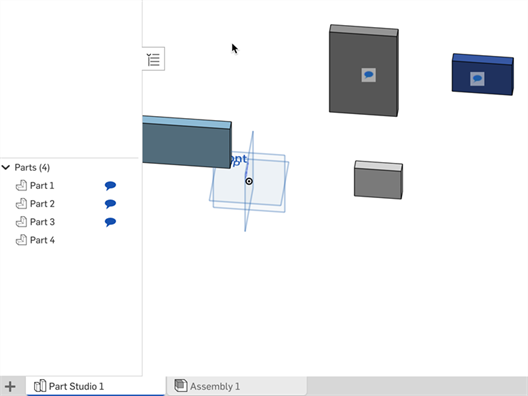
Parts tagged with comments in a Part Studio
-
 Setting up pairing between the iOS and Apple Vision Pro devices
-
Open Onshape from the iOS Device.
-
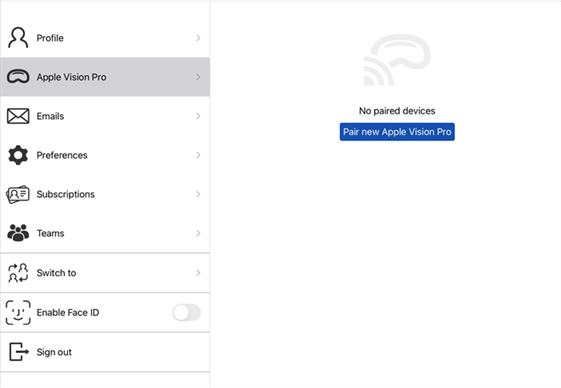
From the Settings page, select Apple Vision Pro:
-
Click the Pair new Apple Vision Pro button, then click the Choose an Apple Vision Pro to pair heading:
-
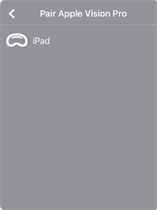
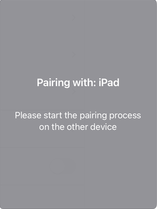
Select an Apple Vision Pro device with which to pair from the list (below left). The pairing process is initiated (below right).
-
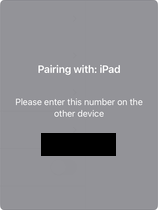
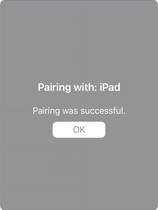
A 5-digit code is provided (below left). Enter the code into the Apple Vision Pro device prompt. The devices are now paired (below right).
-
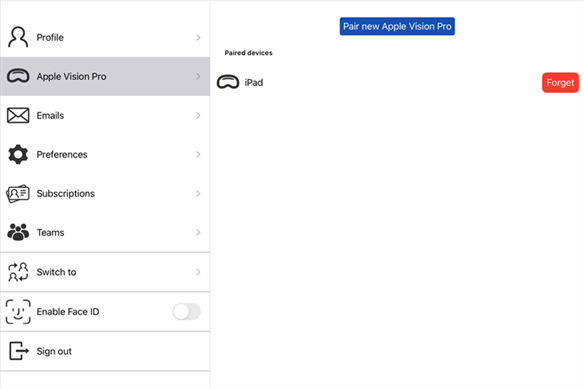
Once paired, Onshape displays the connected Apple Vision Pro device in the Paired devices list:
-
Click the Pair new Apple Vision Pro button to pair an additional Apple Vision Pro device. Click the Forget button to disconnect pairing between the iOS device and the related Apple Vision Pro device.
Casting from an Onshape Part Studio or Assembly to an Apple Vision Pro device
-
Open Onshape from the iOS Device.
-
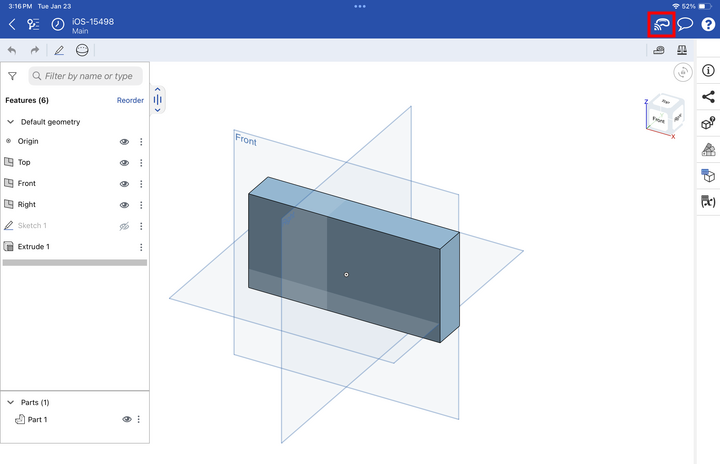
From a Part Studio or Assembly, click the Apple Vision Pro icon on the toolbar at the top right corner of the screen (outlined in the red square below):
-
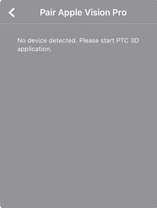
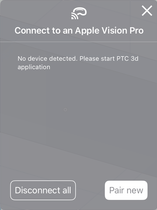
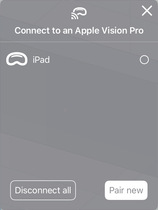
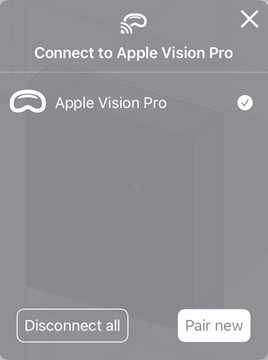
The Connect to an Apple Vision Pro screen opens (below left). Start the PTC 3D application on the Apple Vision Pro device. Once found, it is displayed in the list (below right). Select the device. Then Click the X at the top right corner to close the dialog.
-
From the dialog you can press the Disconnect all button to disconnect all devices from casting or Pair new to pair a new device via bluetooth over the same WiFi connection. The Pairing process is the same as outlined in the Setting up pairing between the iOS and Apple Vision Pro devices section above.
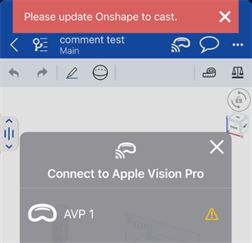
If there is a mismatch between the latest version of Onshape and the Apple Vision Pro, a warning icon displays to the right of the paired Apple Vision Pro (first image below) and a notification opens requesting that you update to the latest version of the Onshape app before you can cast (second image below).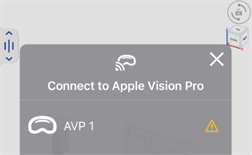
Connecting multiple document tabs
-
Pair the Onshape iOS application with the Apple Vision Pro.
-
In the Onshape iOS application, open the first document's Part Studio or Assembly tab, and share it with the Apple Vision Pro:
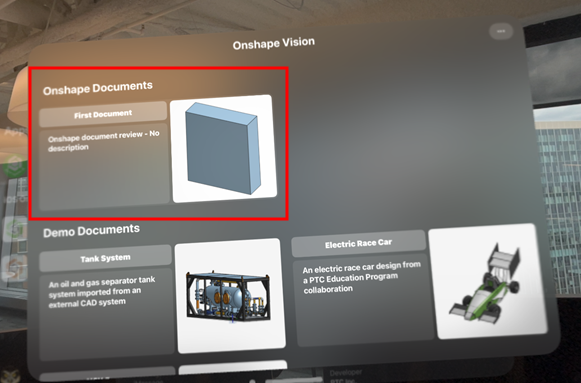
In the Apple Vision Pro, the document is displayed (First Document in the example below):
-
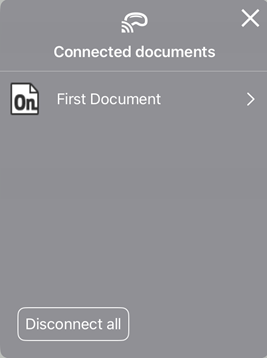
In the Onshape iOS application, go to the Documents page to see the document is connected in the Apple Vision Pro Connected documents dialog:
-
Open and connect a second document's Part Studio or Assembly tab to the Apple Vision Pro.
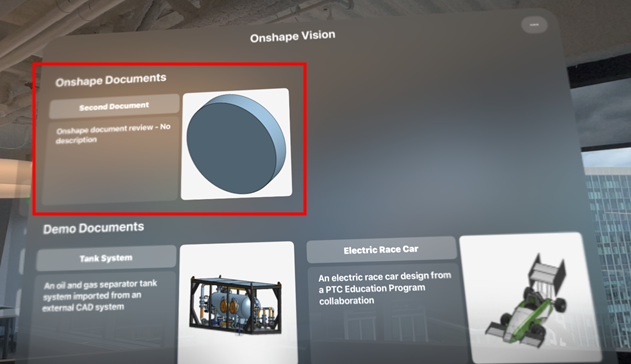
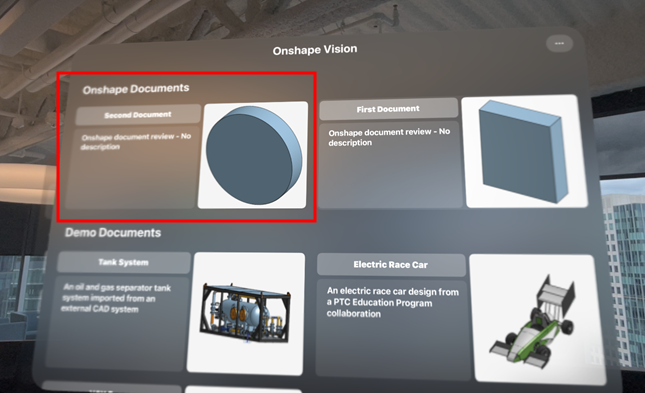
In the Apple Vision Pro, the second document is displayed (Second Document in the example below):
-
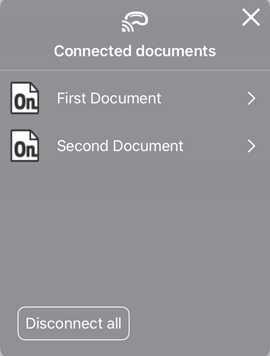
In the Onshape iOS application go to the Documents page again. Both documents are now listed in the Apple Vision Pro's Connected documents dialog:
-
To disconnect from the first document but remain connected to the second, in the Onshape iOS application select the first document to view its connection, and uncheck the Apple Vision Pro device (outlined in red in the left image below). The device is disconnected (right image below). If you instead want to disconnect from all documents, click the Disconnect all button.
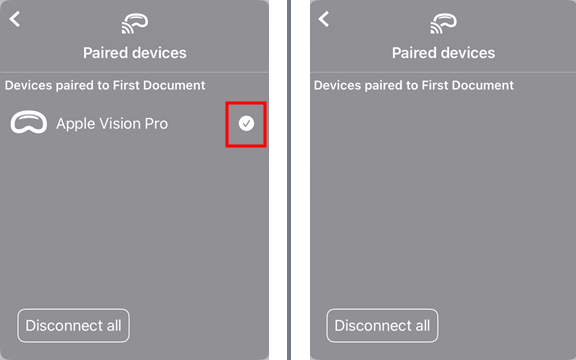
In the Apple Vision Pro, only the second document is displayed: