 Drawing - Radial Dimension

Available in: Drawing
Shortcut: Shift+r
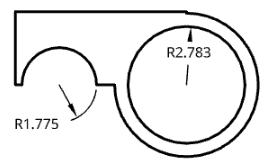
Measure the radial dimension of a circle, arc, or circular arc centermark.
 Steps
Steps
-
Click
 .
.
- Select the arc, circle, or centermark.
- Move the cursor and click to place the dimension.
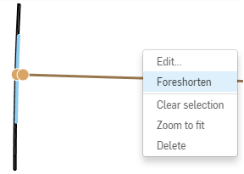
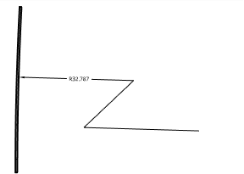
You have the ability to foreshorten a dimension line on an arc when the center point is at an inconvenient distance from the arc on the drawing. In this case, select the dimension, right-click and select Foreshorten. A jogged line appears, drag to the desired location and click to set the endpoint.To undo the foreshortened line, select the line, right-click and select Remove foreshorten.
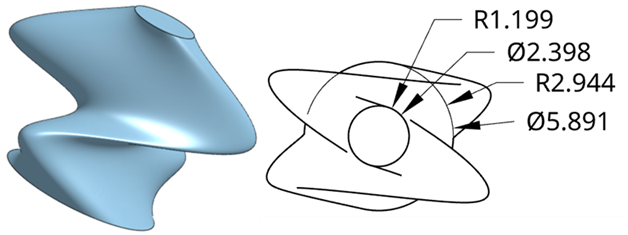
You can also add a Radial dimension to circles that are on either side of other geometry. For instance, the top and bottom circles below have two ellipses between them. The four sketches are lofted, and then a top view is placed in a Drawing. Radial dimensions are then added to both circles. If the circle is obscured, as is the case in the bottom circle in this example, a guide line is overlaid on top, as you add the dimension, ensuring the visibility of the circle.