Drawing - 3 Point Angular Dimension

Available in: Drawing
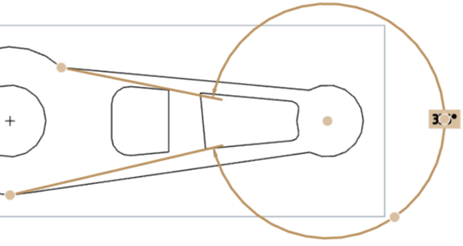
Measure an angle by selecting 3 points, including a vertex and two points on the legs.
 Steps
Steps
-
Click
 .
.
- Click the vertex.
- Click a point on each leg on the perimeter of the arc.
Angular dimensions have a drag-able grip on the dimension arc for changing the angle to be measured.
Drag that grip point across one of the infinite lines through the ends of the selected edges/points to change the measured value.
On 3-point angular dimensions it changes from the initial angle to the outside angle (360 minus initial angle).
Before drag (below):
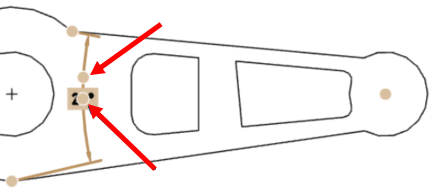
After drag (below):