 Trash
Trash


The Trash filter lists all documents that you have sent to trash (deleted). You see only those documents you have sent to trash. Any documents you delete from the trash, and all those present in trash when you click Empty Trash, are deleted forever. You can, however, right-click on any item in trash and Restore it.
When Trash is selected, non-Enterprise subscriptions display a banner along the top of the screen to explain that items in the trash are automatically deleted after 30 days, along with an Empty trash button. Clicking this button forces deletion of items in trash:
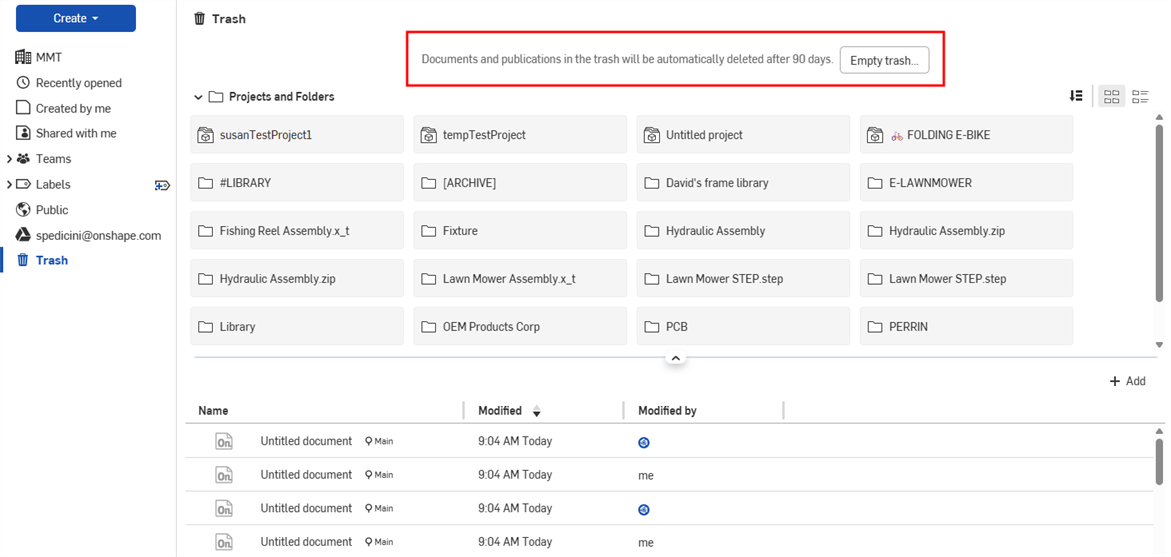
For Enterprise subscriptions, trash is automatically deleted after 90 days. Admins can click the Empty trash button to force deletion of items.