View in High Quality
可用於:Part Studio、組合件中
shift+r
Toggle to select/deselect the highest available quality tessellation view for the currently active Part Studio or Assembly. Be aware that this may result in a slight degradation of performance.
-
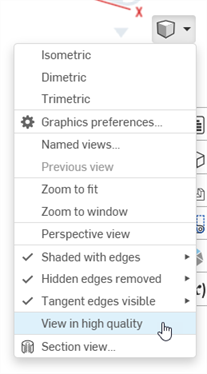
Select Camera and render options, then select View in high quality:
-
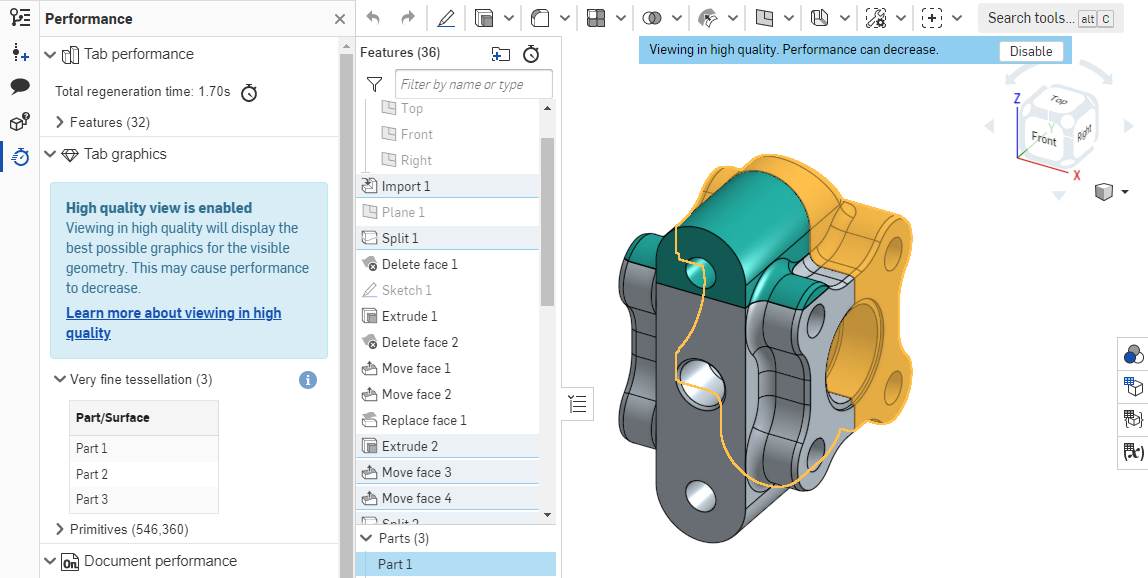
When you turn this option on, the blue notifications are displayed as shown below:
關於這個檢視模式如何影響效能的詳細資訊,請參考高品質模式。