在 Part Studio、組合件中提供此功能
調整圖形區域中所有零件與其邊線的透明度/不透明度。
對於其他的視覺呈現選項,請參考顯示與移除隱藏線。
請參考隔離顯示與設為透明 來以每個零件/實例為基礎調整顯示情形。
 塗彩、不塗彩、與半透明選項
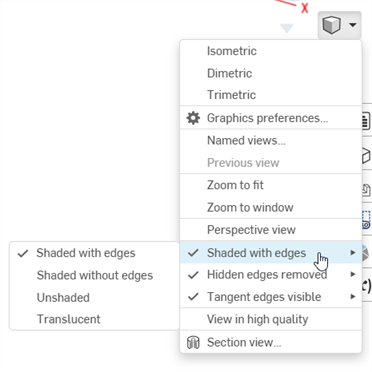
請選擇攝影機與渲染選項,然後從下列選項中選擇:
-
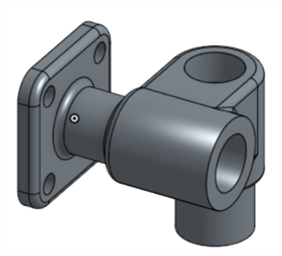
帶邊線塗彩 (預設):
-
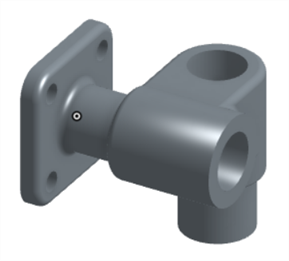
無邊線塗彩:
-
不塗彩:
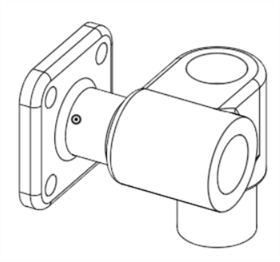
-
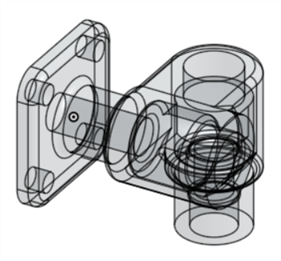
半透明。選擇這個選項時,無法使用顯示隱藏線與移除隱藏線 。