缩放到合适大小、放大所选窗口和放大选定对象


可用于:Part Studio、装配体
使用“缩放到合适大小”、“放大所选窗口”和“放大选定对象”,分别将图形区域中当前模型的视图调整为适合屏幕、所选边界框或选定对象。
 缩放选项
缩放选项
用于缩放的鼠标滚轮方向可以在用户帐户首选项中配置。
要进行缩放,请选择“相机和渲染选项”,然后选择以下选项之一:
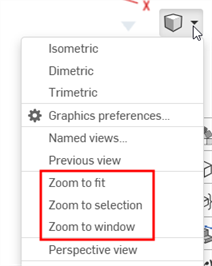
- 缩放到合适大小(快捷键:f,双击滚轮)- 选择此命令或使用快捷键将整个 Part Studio、装配体或工程图缩放至视图。
- 放大所选窗口(快捷键:w)- 选择此命令,然后单击要在 Part Studio、装配体或工程图中缩放到的区域并围绕它拖动一个框。快捷键可打开和关闭特征。
- 放大选定对象 - 选择此命令可缩放至选择的图元。必须选择一个图元才能看到此选项。
“放大所选窗口”和“放大选定对象”不适用于 iOS 或 Android 平台。
放大选定对象
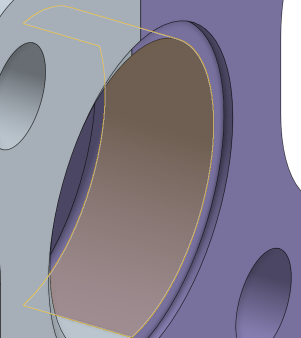
使用“放大选定对象”将视图更改为选定图元的特写视图。
在图形区域中做出选择:
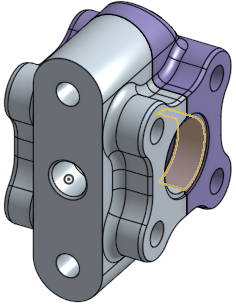
展开“视图”菜单,然后选择“放大选定对象”: