透视视图


可用于:Part Studio、装配体
透视视图显示从视点到模型的相对距离,并随着视点(或虚构的相机)靠近模型创建一个消失点。下图分别显示了未应用透视视图和应用了透视视图的同一零件的前视图。
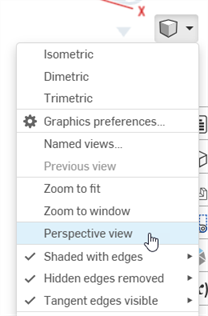
选择“相机和渲染选项”,然后启用“图形首选项”:
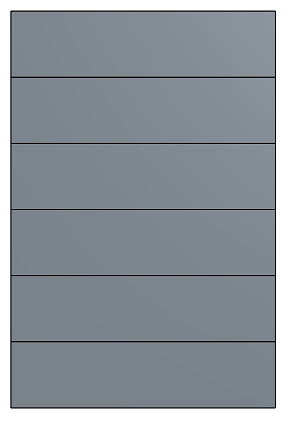
已禁用透视视图
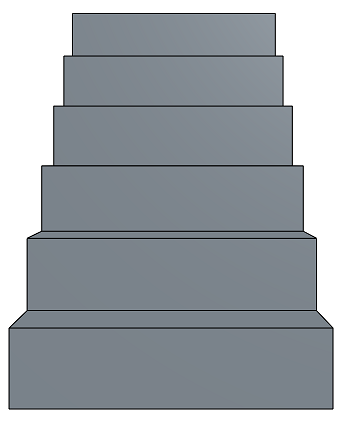
已启用透视视图
When working in a PCB Studio, toggle between Perspective view and Orthographic view on the Camera and render options menu.