透視ビュー


利用可能: Part Studio、アセンブリ
透視ビュー - 透視ビューのオンとオフを切り替えます。透視ビューでは、表示点からモデルまでの相対距離が表示され、表示点 (または仮想カメラ) がモデルに近づくにつれて消失点が作成されます。下の図は、同じパーツの透視ビューのない正面ビューと透視ビューをそれぞれ示しています。
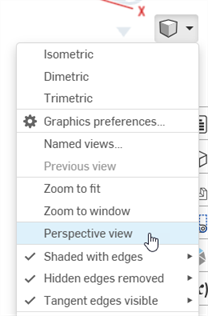
[カメラとレンダリングのオプション] を選択し、[透視ビュー] を選択します。
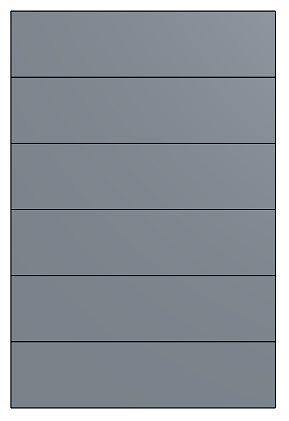
透視ビューが無効になりました
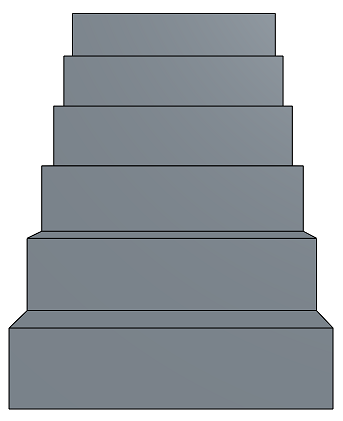
透視ビューが有効になりました
When working in a PCB Studio, toggle between Perspective view and Orthographic view on the Camera and render options menu.